Escalation Matrix 101: Who Decides That Fix
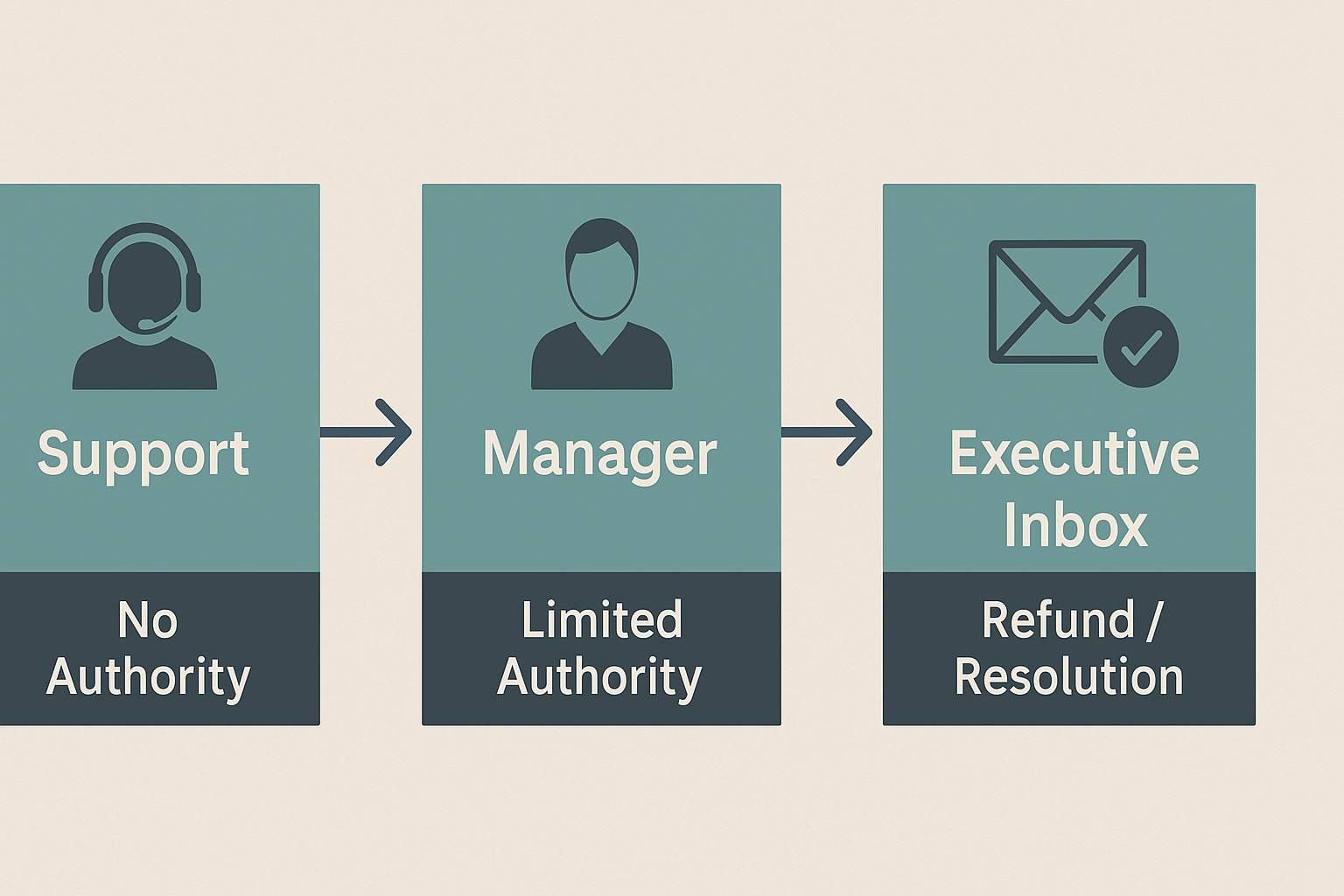
Most support teams want to help, but not everyone can approve the outcome you need. The escalation matrix explains who can do what, and when a request needs to move up. Learn the roles, the typical approval limits, and how to present a request so a decision maker can say yes quickly.
What is an escalation matrix
An escalation matrix is a simple map of who has authority to approve different fixes. Think of it as a ladder of roles. Each step has limits. If a request is above a limit, the case moves up to the next level.
Who can approve what
- Front line agent: basic credits, shipping fee refunds, small courtesy credits
- Supervisor or team lead: moderate refunds, replacement approvals under a set amount, policy exceptions with evidence
- Back office or billing: complex billing corrections, charge reversals, account merges, prorations
- Warranty or service team: repair or replacement under warranty, extended coverage rules
- Executive resolutions: large refunds, contract exceptions, case coordination across departments
- Risk or compliance: legal or regulatory exceptions, privacy related data requests
These are examples. Each company sets its own limits. The pattern is the same. Larger or riskier requests require the next level.
A quick example
You bought a device that failed in week five. Support offered a repair that would take three weeks. You asked for a refund or fast replacement. The front line agent did not have authority. The supervisor could approve a replacement up to a set dollar limit. The executive office could approve a refund and a shipping credit in one decision. Your respectful executive escalation reached the final level. The refund was approved.
How to write a request that gets a yes
Keep it short and specific. Make the decision easy.
- Purpose: one line that states the issue and the outcome you seek
- Timeline: key dates and what you already tried
- Evidence: order numbers, tickets, receipts, policy text if relevant
- Resolution: the exact fix that would make it right
- Thanks: a polite close and your contact info
What decision makers look for
- Clear facts and dates
- Proof attached or linked, not buried in a long story
- A fair request that matches policy or a reasonable exception
- A professional tone that makes collaboration easy
Common pitfalls to avoid
- Long narratives without dates or proof
- Vague requests like fix this or make it right without a clear outcome
- Multiple demands in one message
- Threats or insults that add friction and waste time
Sample decision path
Small shipping refund under ten dollars: agent can approve. Replacement of a mid range device: supervisor can approve with receipt and a test result. Full refund outside the return window with documented service failure: executive resolutions can approve after a short review.
The takeaway
The right inbox matters. When your request reaches someone with authority to decide, the path to yes gets short. Use a clear structure, include proof, and address the team that can approve the outcome you need. If you want help drafting a message that follows this playbook, use our builder to create a professional executive escalation email in minutes.